



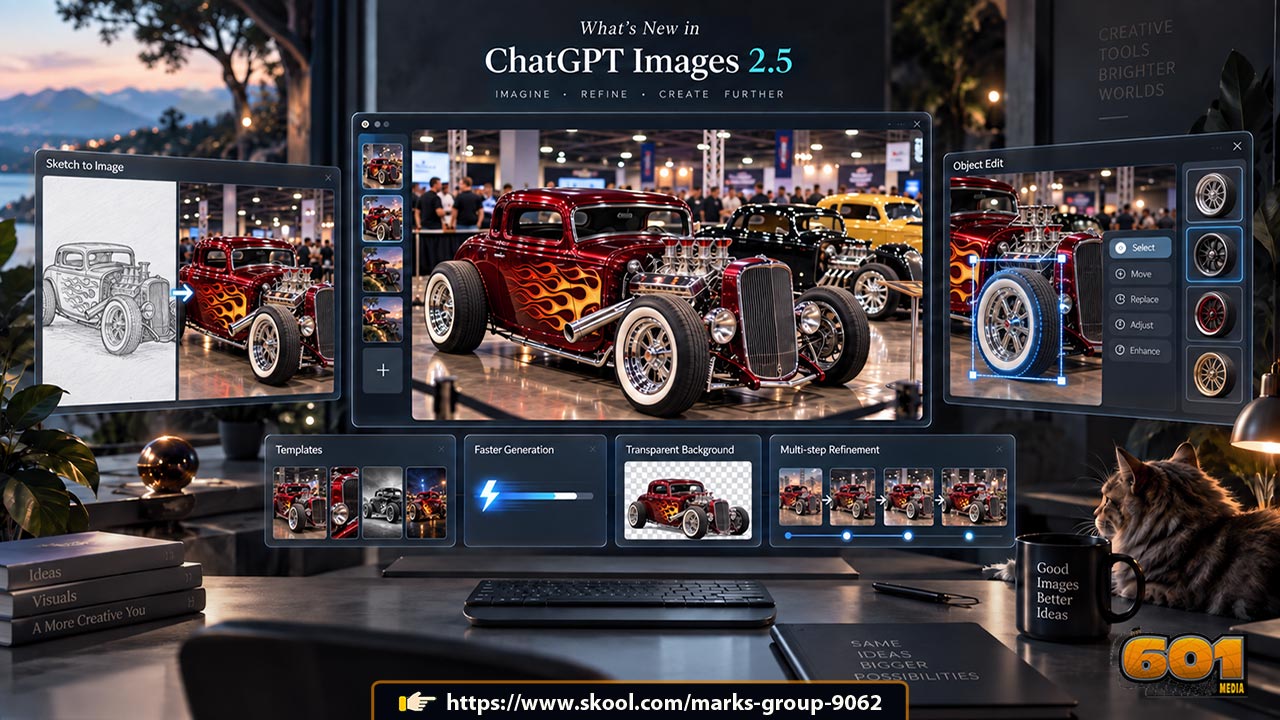
So, What’s New in ChatGPT Images 2.5?
OpenAI has launched ChatGPT Images 2.5, a major upgrade to its image-generation technology. The update focuses on four things creators care about most: better image quality, faster generation, more accurate editing, and stronger creative control.
According to OpenAI, people now create more than 3 billion images every week across ChatGPT Images and GPT-Image models in the API. Images 2.5 is designed to make that creative process faster and more dependable.
Faster Image Generation
One of the biggest improvements is speed. OpenAI says Images 2.5 can reduce image-generation latency by up to 50% compared with Images 2.0.
That matters when you are testing ideas. Instead of waiting through a slow create-edit-create cycle, marketers, designers, entrepreneurs, and content creators can experiment with more variations in less time.
Sharper, More Realistic Images
Images 2.5 improves lighting, textures, and visual detail. It is also better at preserving the identity of people or objects from reference images.
For example, if you upload a photo and ask ChatGPT to place the subject in a different setting, the model is more likely to maintain recognizable facial features and other distinctive details.
This improved image fidelity can be especially useful for product photography, advertising concepts, social-media content, and branded creative work.
More Precise Image Editing
Image editing is another major upgrade.
Images 2.5 is better at changing only the element you request while leaving the rest of the image untouched. You might change a background, replace an object, adjust some text, or modify clothing without accidentally altering the entire composition.
It also performs better across multiple rounds of editing. Earlier changes are more likely to remain consistent as you continue refining an image.
Sketch, Templates, and Image Comments
OpenAI has also introduced several workflow tools.
Sketch lets you draw directly inside ChatGPT and use that drawing as a visual guide. Typing @Sketch can help you communicate layouts or shapes that are difficult to explain with words.
Templates provide starting points for common formats such as posters, merchandise, flyers, and product images.
Users can also place comments directly on images, making it easier to show ChatGPT exactly where an edit should happen. Prompts can also be shared so other people can reuse an idea with their own photos or details.
New Models for Developers
OpenAI has released two related API models.
GPT-Image-2.5 Flare is designed as the main choice for fast, high-quality image generation. OpenAI says it delivers higher-quality images than GPT-Image-2 with 50% lower latency.
GPT-Image-2.5 Sunburst focuses on higher-precision creative and editing workflows where tighter control matters more than generation speed.
Why ChatGPT Images 2.5 Matters
The biggest change is not simply prettier AI images. Images 2.5 makes image generation more useful as an iterative creative workflow.
You can start with an idea, photo, sketch, or template, make targeted changes, and continue refining the result without constantly rebuilding it from scratch.
For businesses and creators, that could make ChatGPT a more practical tool for rapid prototyping, marketing assets, product concepts, presentations, social content, and visual experimentation.


Leave A Comment