



WebM vs. MP4: Which Video Format Should You Use?
WebM and MP4 are two popular video formats, but they serve slightly different purposes.
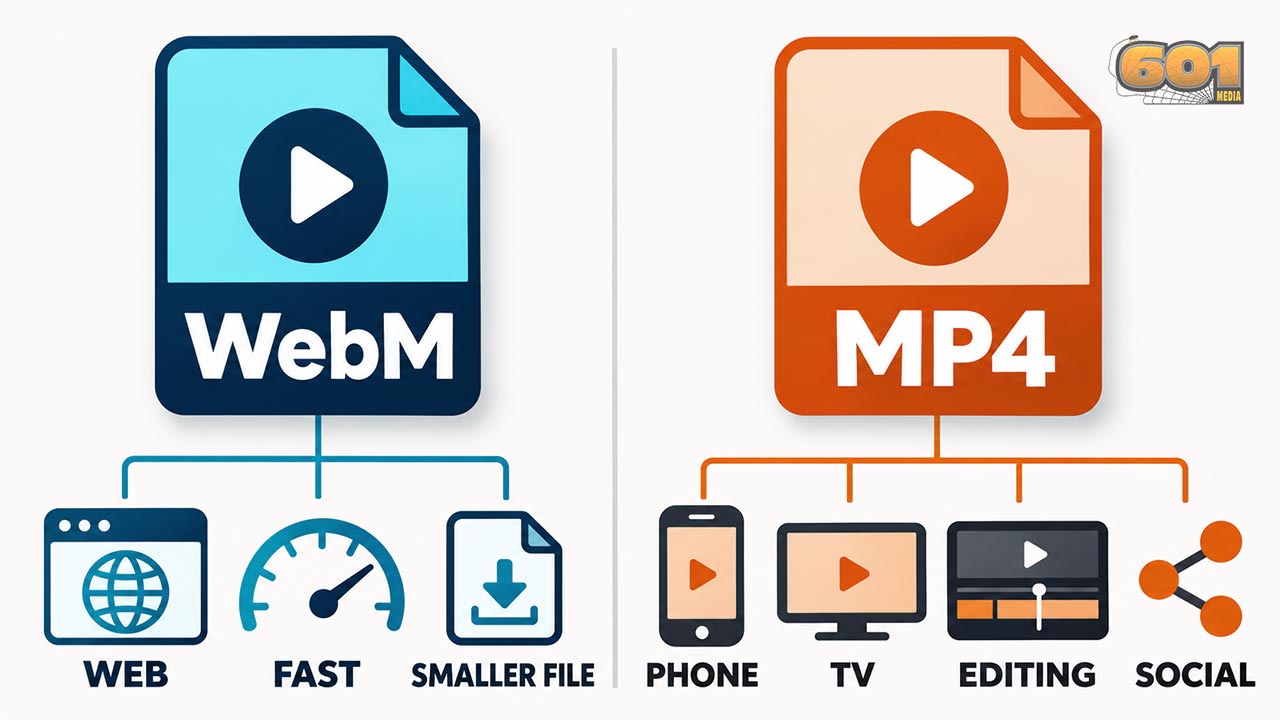
MP4 is the safest all-around choice. It commonly uses the H.264 video codec with AAC audio and works on nearly every modern browser, smartphone, television, media player, and video-editing application. MP4 is ideal for downloadable videos, client previews, social media, online courses, and general website use.
WebM was developed as an open format designed primarily for the web. It usually contains VP9 or AV1 video with Opus audio. WebM can produce smaller files while maintaining strong image quality, which may help web pages load faster and consume less bandwidth.
However, compatibility matters. Some older browsers, devices, editing programs, and business workflows may not handle WebM as reliably as MP4. MP4 remains the more dependable format when your audience uses a wide range of equipment.
For website publishers, the best solution may be to provide both formats. HTML5 video allows a browser to select the first compatible file:
<video controls>
  <source src="video.webm" type="video/webm">
  <source src="video.mp4" type="video/mp4">
</video>
Choose WebM when smaller web delivery files and open codecs are priorities. Choose MP4 when broad compatibility, easy editing, and dependable playback matter most.
For most creators, MP4 should be the default. WebM is an excellent additional format for optimizing website performance.


Leave A Comment